ProtonVPN has expanded its browser extensions for Chrome, Firefox, and Chromium-based browsers (Edge, Brave, Opera, Vivaldi) to all users, including those on the free plan. It allows free users to encrypt browser traffic, bypass restrictions, and select server locations without affecting the speed of other applications.
proton announced Today it has decided to allow free users of its service to use Chrome and Firefox extensions. Until now, access was limited to paying customers.
- ProtonVPN is available as a free, limited version.
- The browser extension can now be used by free users as well.
Comment:ProtonVPN is compatible with most Chromium-based and Firefox-based browsers.
Proton says that access to browser extensions was a much-awaited feature. Using browser extensions provides some benefits:
- VPN connection only applies to the browser.
- No need to install the ProtonVPN app.
Access to VPN apps may be blocked in some regions. However, the extension may still work.
protonvpn free
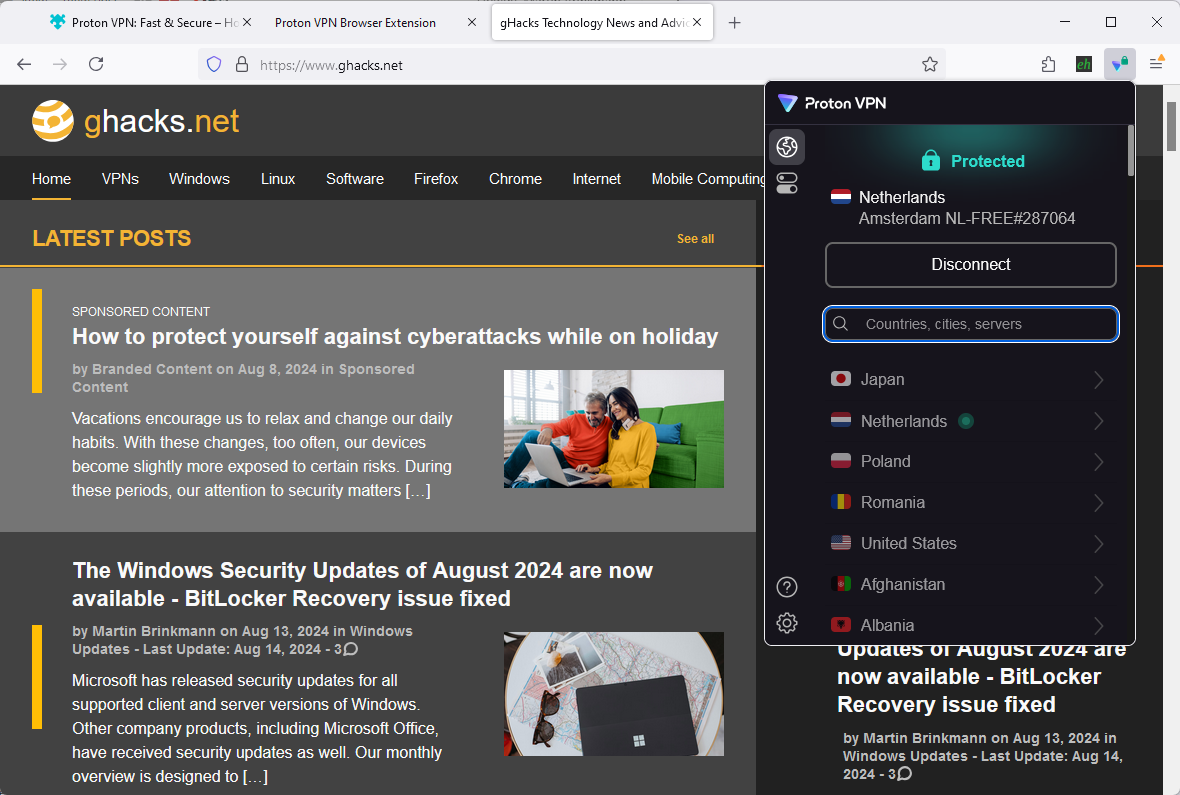
The free version of ProtonVPN is limited, but not as much as most other free VPNs. The developers promise that theirs is the only solution that “doesn’t limit your bandwidth, spy on you, show you privacy-invasive ads, or sell your data”.
Some features are off limits when you use the free version. This also includes:
- Ability to select a specific country/server to connect to.
- Highest possible speed.
- Split Tunneling support.
- Custom DNS support.
- Advanced features including ad-blocking, malware protection, VPN acceleration, or double-hop support.
The free browser extension is very easy to use. If you already have a ProtonVPN account, you simply download the extension for your browser and sign-in with your account. all done.
If you don’t have a ProtonVPN account yet, you can create one for free using two steps:
- Provide an email address at “Create Your Account” page.
- Accept pre-made passwords or set a custom password.
That’s all there is to it. No verification of email address during setup.
Extensions are available at:
How to use ProtonVPN extension?
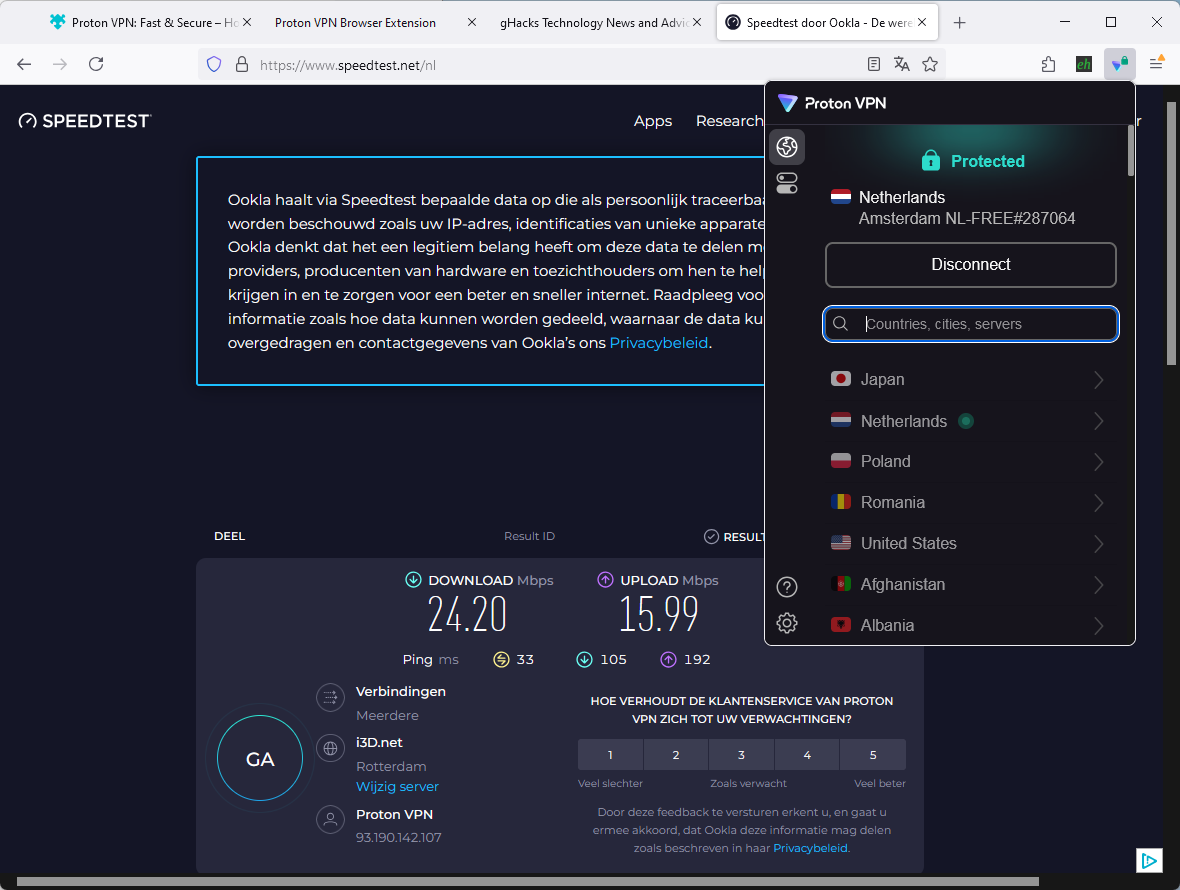
Some features that are not available are shown in the user interface. These are either darker than the rest or use the upgrade icon (which has a plus-sign).
Activate the extension’s icon and press the Connect button to connect to the VPN network. Note that you cannot choose a server, but a fast nearby server is automatically selected. This could happen in another country, but it doesn’t have to. It took less than a second to connect to the VPN during tests.
A click on the Features icon shows the available features. These are:
- auto connect -Enabled by default. The browser automatically connects to the VPN when it starts.
- WebRTC Leak Protection — Prevents device IP address leaking by using WebRTC.
- Notifications – Displays a notification for connect and disconnect events.
Clicking the Settings icon displays two options:
- Share anonymous usage statistics -Disabled by default.
- Share anonymous usage crash reports -Enabled by default.
You can toggle settings there.
The VPN speed was quite good during testing. On a very good wireless connection, I got about 24 Mbps download and 16 Mbps upload. Sufficient for most tasks on the Internet.
An upgrade to ProtonVPN Plus is available for $4.49 per month if you subscribe for two years.
Is ProtonVPN browser extension any good?
The ProtonVPN browser extension works well. Compared to most free VPN solutions, this is a much-preferred option, given that it doesn’t include the negatives that come with many free VPNs. To name a few: tracking, advertising, upsell popups, bandwidth limitation, selling of user data.
Free users of ProtonVPN now have two options: use the dedicated VPN app on your device, or use a browser extension. Note that the freebie is limited to one device at a time.
Overall, this improves an already great option for users who want to further secure their Internet connection and thus privacy.