NordVPN is a popular VPN provider. The company regularly releases new features for its VPN customers, and one of the latest features it introduced is threat protection.
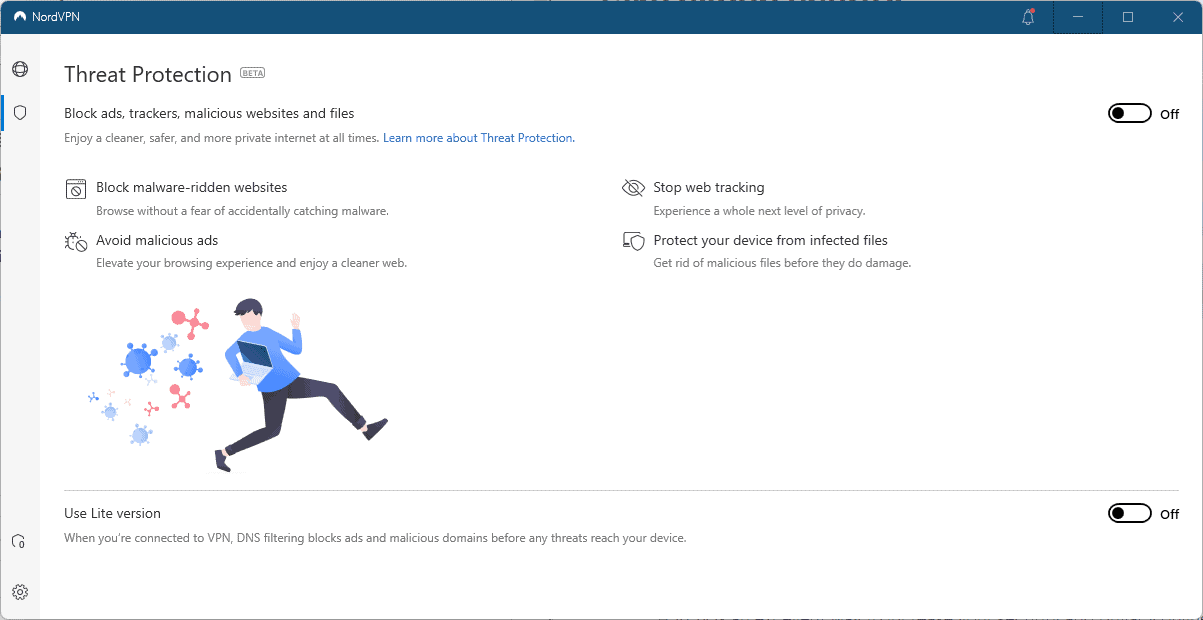
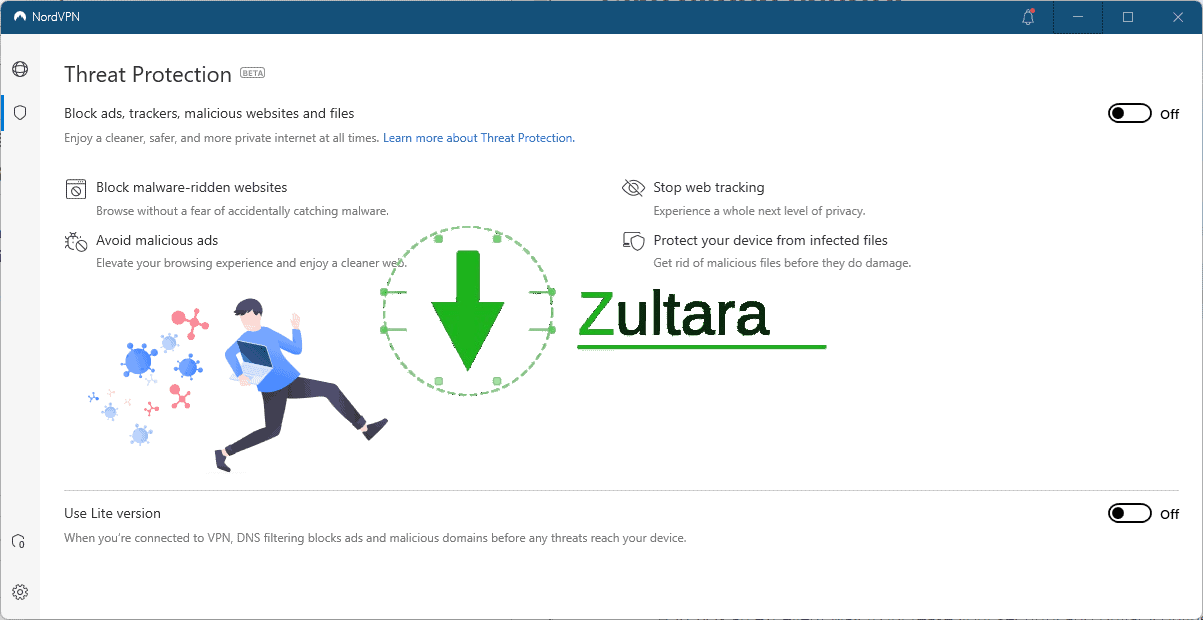
Threat protection is currently a beta feature. The client can notify customers about this feature, but it is turned off by default. A click on the shield icon in the Nord VPN client displays the available options.
Threat protection blocks “ads, trackers, malicious websites and files,” according to NordVPN; This is a key difference from the previously supported CyberSec feature of the NordVPN client, which blocked ads and malicious websites using only DNS filtering.
The CyberSec preference is no longer available under General in Settings, and some customers may wonder if it has been removed entirely in favor of threat protection.
It appears that NordVPN has moved this feature from the Threat Protection preferences page. There, users find two options that they can enable. Full Threat Protection feature, or Lite version; The description of the Lite version seems similar to the one offered by CyberSec.
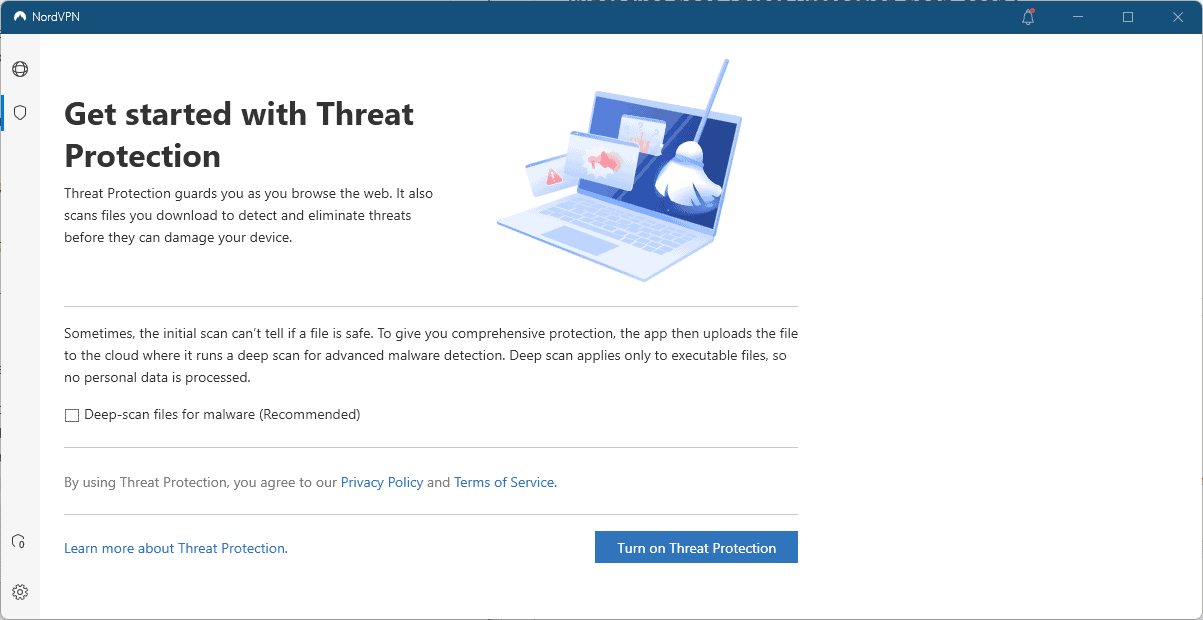
The end-to-end threat protection feature goes beyond blocking resources at the DNS level. It blocks ads and tracking on the web, but also blocks malicious websites and files:
Block malware-ridden websites – Browse without fear of accidentally catching malware.
Avoid malicious ads – Improve your browsing experience and enjoy a cleaner web.
Turn off web tracking – Experience the next level of privacy.
Protect your device from infected files — get rid of malicious files before they do any damage.
According to NordVPN’s description on its website, Threat Protection protects the user’s browser even without an active VPN connection. NordVPN achieves this by installing the certificate in the browser. The current version supports Chrome, Safari, Edge, and Firefox. For Firefox, it is necessary to restart the browser before using after the certificate is installed.
Installing certificates gives NordVPN a high level of control over supported browsers and activity.
Threat Protection will scan executable files that are downloaded automatically. These can be uploaded to the cloud for testing, but only if their size is 20 megabytes or less.
concluding words
Threat protection is a beta feature at the time of writing. NordVPN needs to provide additional information on the internal workings of the feature, as the client lacks details in the two setup pages and informational page on the NordVPN website, for example, whether it is using its own scanning capabilities for uploaded files or using third-party services.
The client does not explain how threat protection is set up, only what it does once it is enabled. Installing certificates in browsers gives NordVPN a lot of control over the data in the browser, and users should at least be aware of this before pressing the Turn On button in the interface.
Most NordVPN customers may want to stick with the Lite Mode feature to keep their devices secure, or keep everything disabled in the client and use other solutions, for example, content blockers like uBlock Origin and antivirus solutions.
Now you: Will you use threat protection on your devices?