🛡️ Updated 22 November 2026 · New lab data
Free protection that actually stops malware on Windows 11
We re-ranked seven free antivirus apps using the newest independent results: AV-Comparatives Real-World Protection (July–October 2026, published 16 November), AV-TEST’s August 2026 Windows 11 round and SE Labs’ April–June 2026 home report. The order has changed since our last update.
⚡ Quick Read
- Best overall (free): Avast Free Antivirus. 100% in AV-Comparatives’ latest real-world test, 18/18 at AV-TEST, light on system speed.
- Simplest alternative: AVG AntiVirus Free. Same engine as Avast, same 100% score, cleaner screen.
- Best “set and forget”: Bitdefender Antivirus Free. Almost no settings, very few false alarms in lab tests of its engine.
- Already on your PC: Microsoft Defender. Still good, but it slipped to 97.3% in the latest real-world test.
- The catch: Free tiers skip extras like a firewall upgrade, unlimited VPN and support. Run only one real-time antivirus at a time.
What changed in this November 2026 update
Our May 2026 version leaned on February 2026 lab data. Three newer reports have arrived since then, and they shuffle the ranking:
- Avast and AVG moved to the top. Both blocked all 400 malicious samples in AV-Comparatives’ July–October 2026 Real-World Protection Test and earned its highest award, ADVANCED+.
- Microsoft Defender dropped. It scored 99.0% with zero false alarms in February–May, but 97.3% (11 of 400 cases missed) in July–October, which put it in the STANDARD award level. AV-TEST also took half a point off its performance score in August.
- Avira’s free VPN limit is per month, not per day. Avira says the free VPN gives 500 MB a month, or 1 GB if you sign in with an Avira account. Our earlier version said “per day”. That is now fixed.
- Old claims removed. We dropped figures we couldn’t trace to a source, including a RAM figure for Bitdefender and an “Advanced+” performance rating for Defender (AV-Comparatives’ April 2026 Performance Test gave Defender ADVANCED, not ADVANCED+).
How we picked the best free antivirus for Windows 11
Every app on this list had to meet four rules:
- 🛡️ Free with no time limit. No 30-day trial that turns into a bill. (Malwarebytes Free is the one exception to real-time protection; see below.)
- 📊 Recent independent lab results. We used only tests run in 2026 by AV-Comparatives, AV-TEST and SE Labs.
- 🪶 Light on Windows 11. We checked each lab’s performance scores so nothing on the list slows down a typical laptop.
- ✅ Official download available today. We checked every vendor download page in November 2026.
An honest note on the lab data: labs often test a vendor’s paid suite, not its free app. Avast, AVG and Microsoft Defender were tested as the free products. For Bitdefender, Avira, Malwarebytes and Panda, the labs tested paid editions that share the same detection engine. The free versions use that engine but miss some extra layers, so treat those scores as a guide to the engine, not a promise about the free app.
Latest lab results at a glance (2026)
*Lab tested the paid edition: Bitdefender Total Security, Avira Internet Security, Malwarebytes Premium, Panda Dome Advanced (AV-Comparatives) and Panda Dome (SE Labs). “Legitimate” is SE Labs’ score for not blocking safe apps and websites. AV-Comparatives lowers the award of products with above-average false alarms.
The 7 best free antivirus apps for Windows 11 in 2026
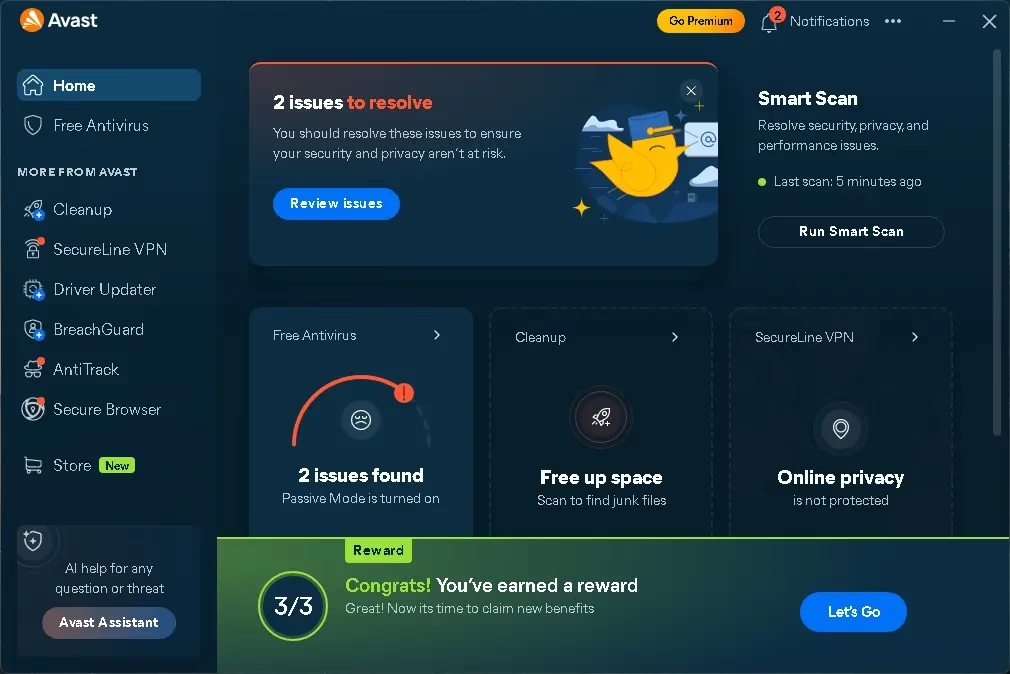
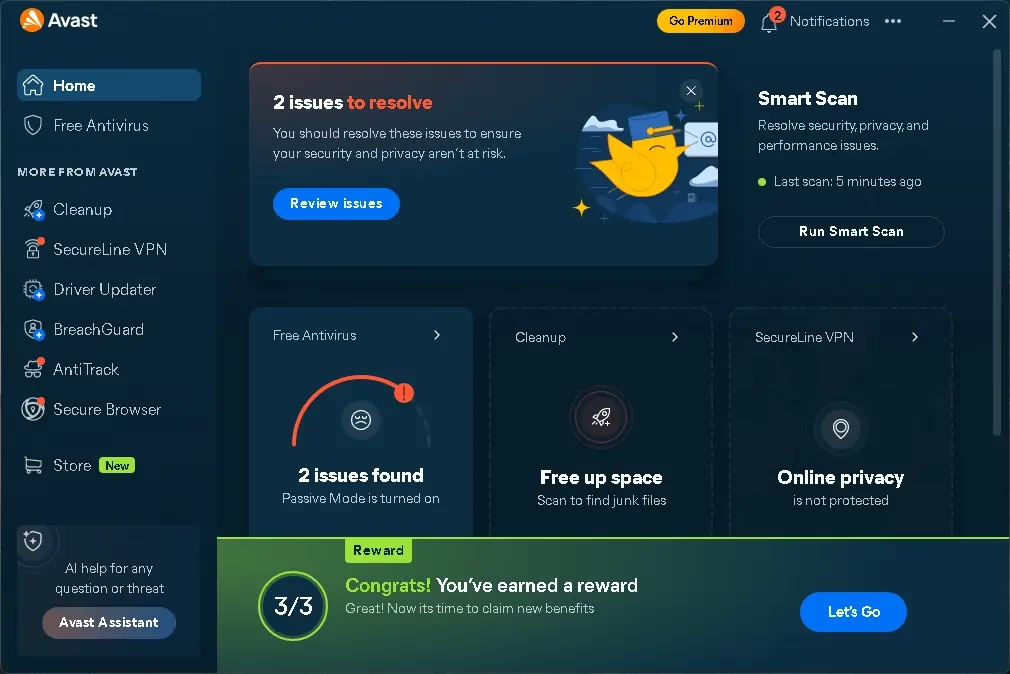
1. Avast Free Antivirus: best overall
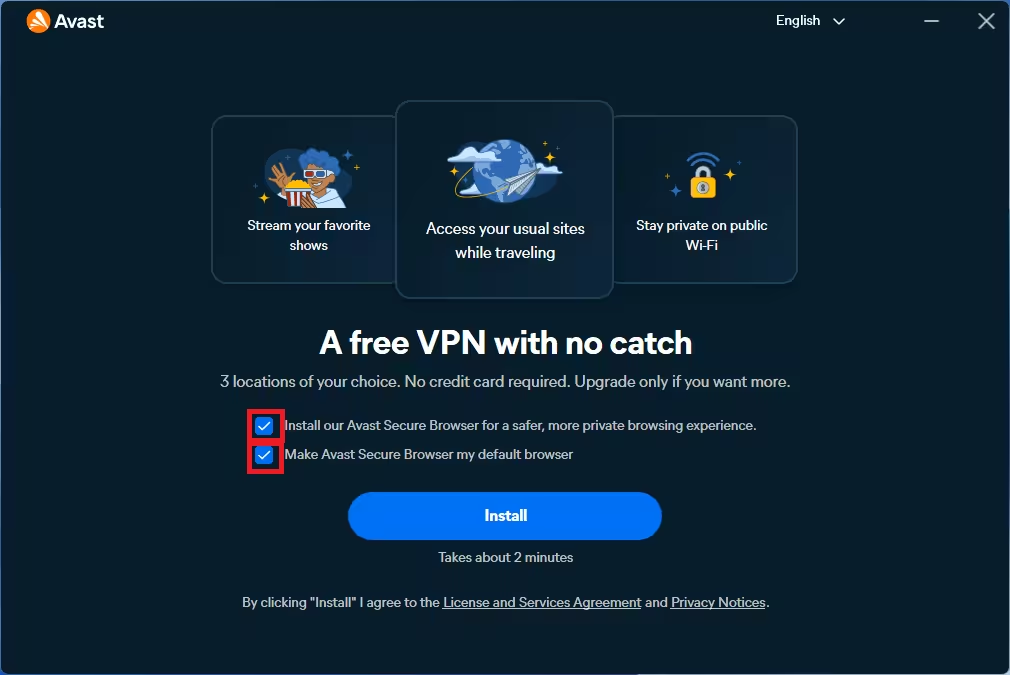
Why it’s #1: Avast has the best set of recent results of any free app. It blocked all 400 test cases in AV-Comparatives’ July–October 2026 test, scored the full 18 points at AV-TEST in August 2026 (version 26.6), and got 96% protection with no wrongly blocked apps in SE Labs’ April–June report. AV-Comparatives’ April 2026 Performance Test also rated it ADVANCED+, so it won’t drag your PC down.
What you get free: real-time file and behaviour shields, a Ransomware Shield, a Wi-Fi/network scanner, email protection and Avast’s AI scam checker. Avast now ships everything in the Avast One app, and the free antivirus is the base tier.
The catch: expect upgrade prompts for the paid tiers. Read each install screen and untick any extra offers you don’t want.
⬇️ Get Avast Free Antivirus
2. AVG AntiVirus Free: same protection, simpler screen
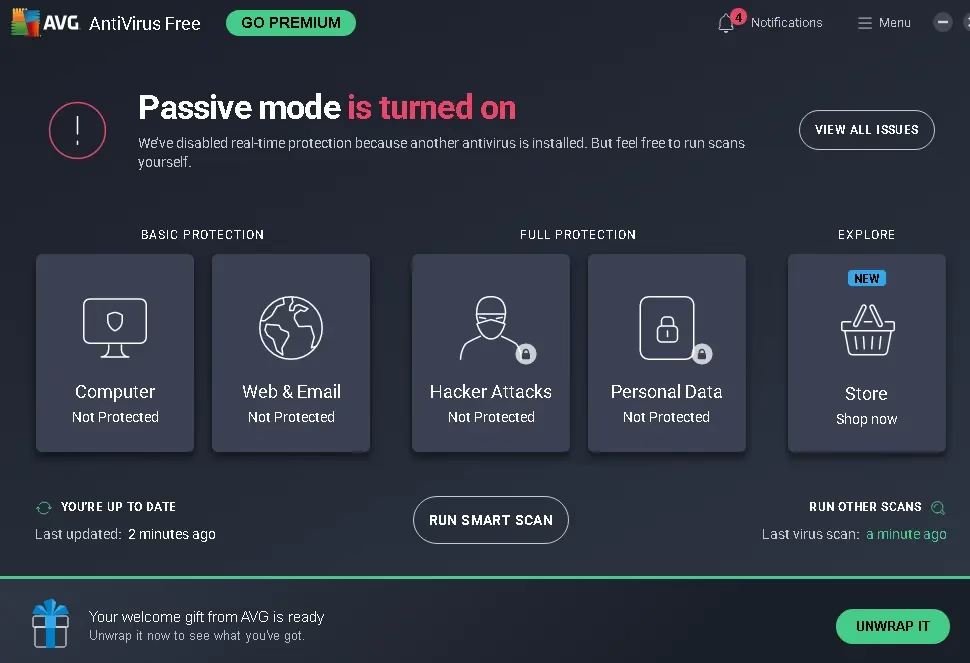
Why it’s here: AVG and Avast are both owned by Gen Digital and share one detection engine, so their lab scores match: 100% and ADVANCED+ in AV-Comparatives’ July–October 2026 test, and 18/18 at AV-TEST in August 2026. AVG’s April 2026 performance rating was also ADVANCED+.
Best for: family PCs and anyone who finds Avast’s screens crowded. Install one or the other, never both.
⬇️ Get AVG AntiVirus Free
3. Bitdefender Antivirus Free: best “set and forget”

Why it’s here: Bitdefender’s engine is one of the most accurate around. The paid Total Security suite that labs test scored 99.0% with just one false alarm in AV-Comparatives’ July–October 2026 test and 18/18 at AV-TEST in August. The free app uses the same scanning engine with real-time protection and basic ransomware protection, according to Bitdefender.
The catch: one Windows PC only, very few settings, and no firewall, VPN or password manager. If you want to tweak things, pick Avast or AVG instead. Read our Bitdefender Antivirus Free guide for setup details.
⬇️ Get Bitdefender Free
4. Microsoft Defender Antivirus: built in, still solid
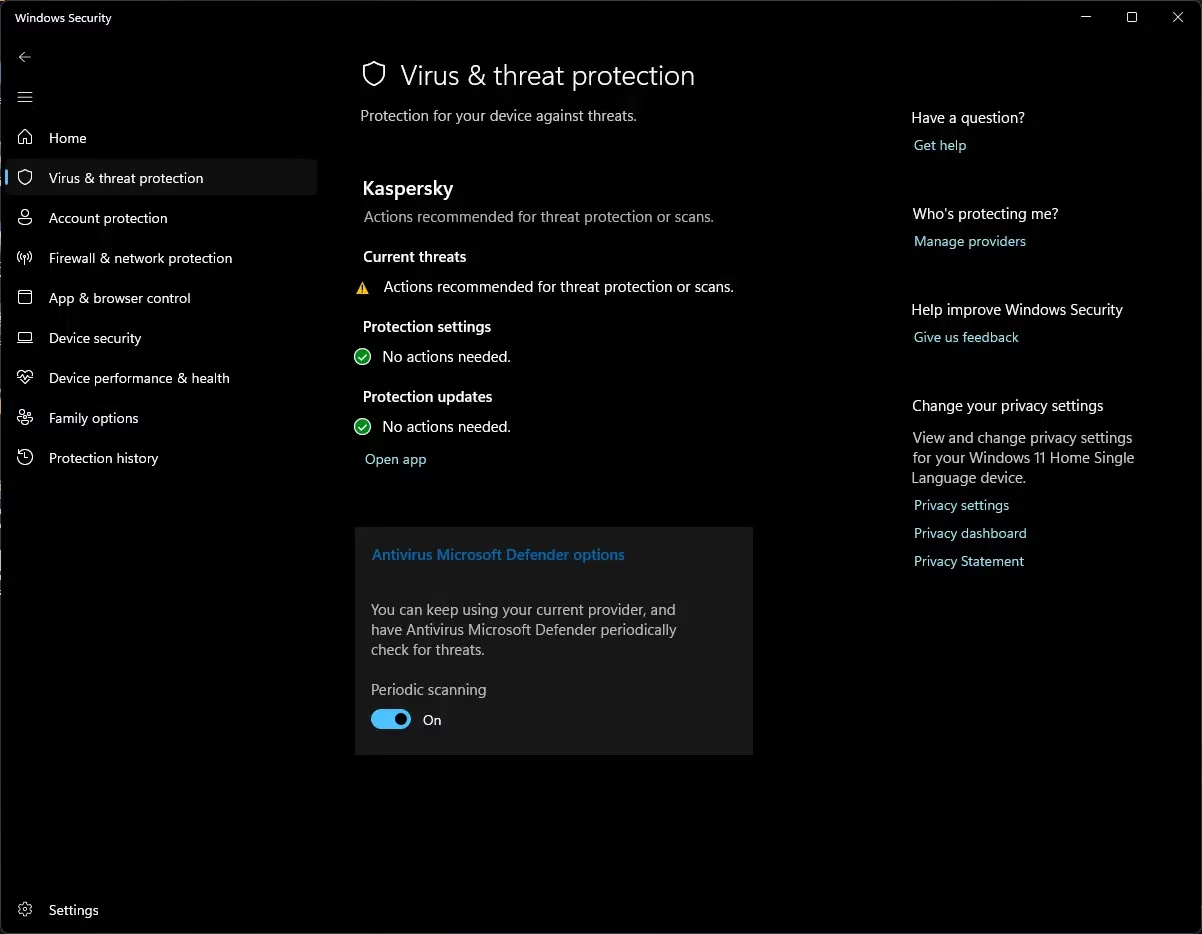
Why it’s here: it costs nothing, needs no install and never nags. AV-TEST still gave Defender (platform 4.18) its Top Product award in August 2026: full marks for protection and usability, 5.5 out of 6 for performance. SE Labs measured 95% protection with no false alarms.
Why it dropped: in AV-Comparatives’ July–October 2026 real-world test it missed 11 of 400 cases (97.3%), behind every free app ranked above it. That’s still decent, but no longer the top tier.
Make it stronger: turn on Controlled folder access (Windows Security → Virus & threat protection → Manage ransomware protection) and keep Reputation-based protection on. Add Malwarebytes Free for a weekly second-opinion scan.
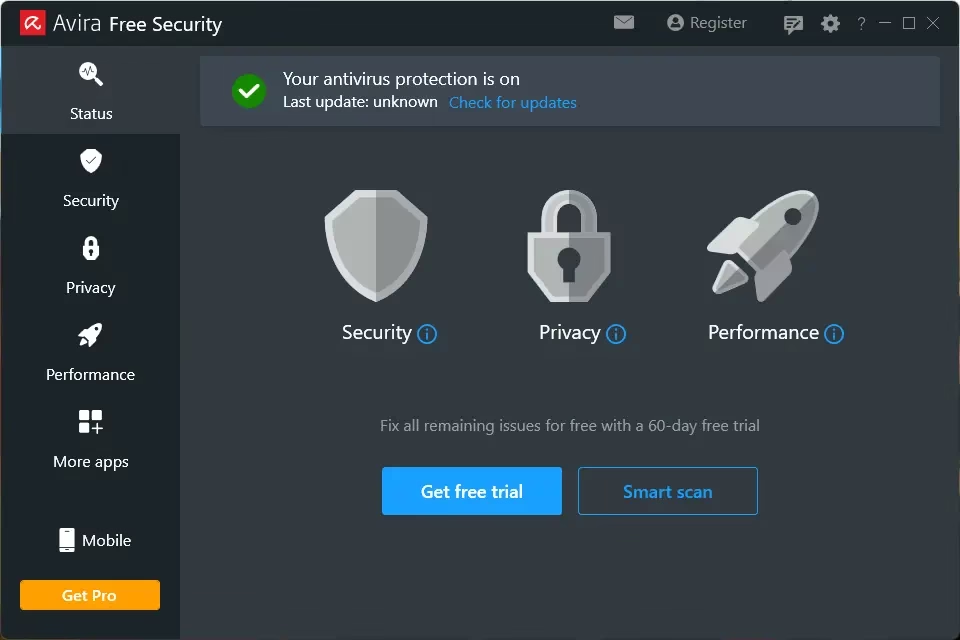
Why it’s here: Avira’s engine is strong. AV-TEST gave Avira Internet Security 18/18 in August 2026, and AV-Comparatives notes that F-Secure and TotalAV use the Avira engine. The free package adds a VPN, a basic password manager and PC clean-up tools.
The catch: the free VPN gives 500 MB a month (1 GB with a free Avira account). That’s enough for occasional public Wi-Fi, not streaming. The free app was not in AV-Comparatives’ or SE Labs’ latest tests.
Want more? Check our Avira Prime free licence offer.
⬇️ Get Avira Free Security
6. Malwarebytes Free: best second-opinion scanner
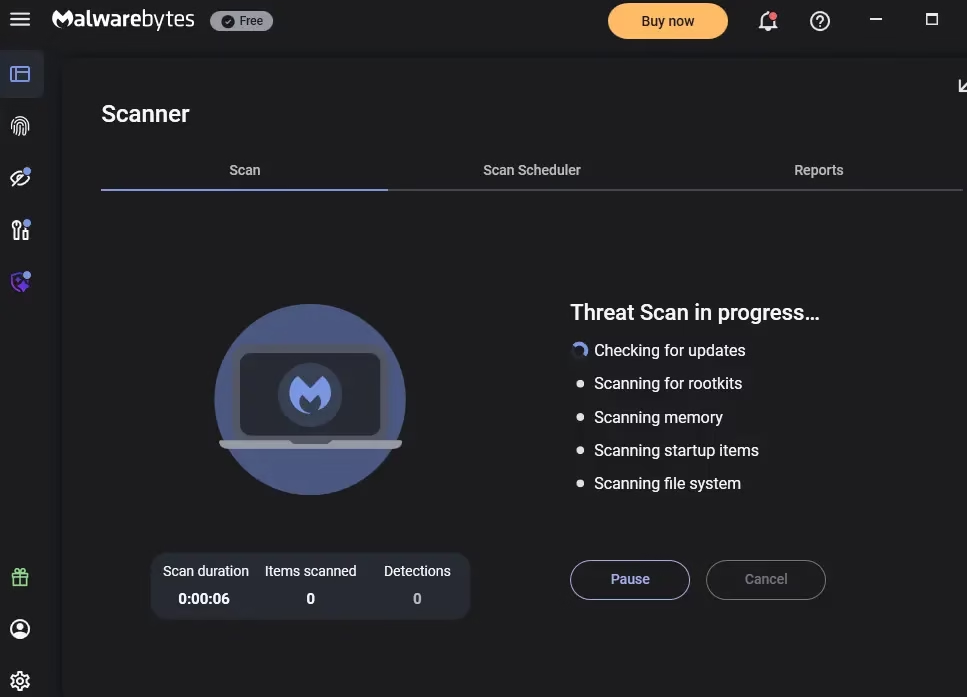
Why it’s here: Malwarebytes Free is not a full antivirus. After the optional 14-day Premium trial ends, Malwarebytes says the app becomes a scanner that finds and cleans infections only when you run a scan. That makes it a good partner for Defender, Avast or AVG, because it doesn’t fight with their real-time shields.
The catch: the paid Premium edition had the most false alarms of our seven picks in AV-Comparatives’ July–October test (23) and the lowest “legitimate” score at SE Labs (92%). That matters less for a manual scanner, but check before deleting anything it flags.
⬇️ Get Malwarebytes Free
7. Panda Free Antivirus: handy USB and gaming features
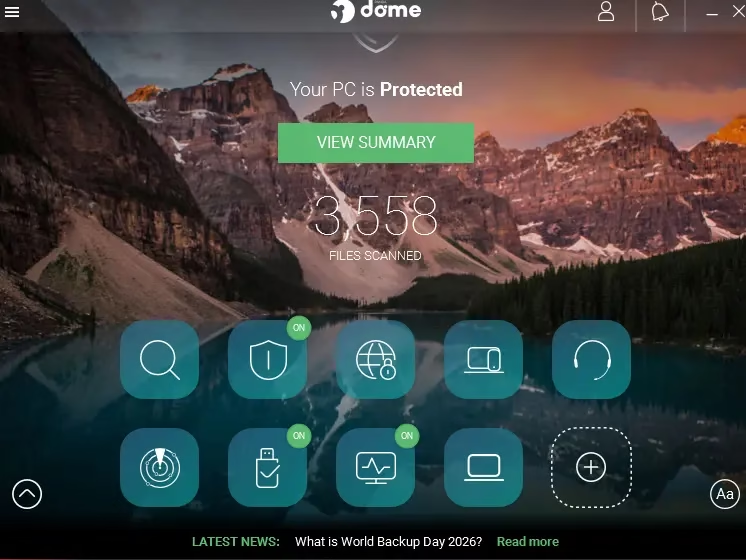
Why it’s here: Panda’s free tier includes real-time protection, automatic USB drive scanning, a gaming/multimedia mode and a small free VPN (150 MB a day, per Panda’s plan table).
The catch: it has the weakest recent scores on this list. The paid Panda Dome Advanced blocked 96.0% in AV-Comparatives’ July–October test with 9 false alarms (TESTED level), and Panda Dome scored 94% protection at SE Labs. Fine for light use, but the top three are stronger.
⬇️ Get Panda Free
Side-by-side: free features compared
Our pick for most people
Install Avast Free Antivirus (or AVG if you prefer a simpler look). It has the best combination of real-world protection, low false alarms and light system impact in 2026’s lab tests. Installing it switches Defender’s real-time scanning off automatically, which is what you want.
Rather not install anything? Keep Microsoft Defender, turn on Controlled folder access, and run Malwarebytes Free once a week. It’s a little behind the leaders in the newest test, but it’s quiet and always up to date.
⚠️ Run only one real-time antivirus
Two real-time shields can slow your PC and block each other. Pick one main antivirus. Malwarebytes Free is fine alongside it because it only scans when you ask. Download only from the official vendor sites linked above. Fake antivirus installers are a common way malware spreads.
3 quick Windows 11 security settings to turn on
Antivirus is one layer. These built-in settings add more:
- Controlled folder access: Windows Security → Virus & threat protection → Manage ransomware protection. Stops unknown apps changing files in Documents, Pictures and Desktop. (Some antivirus apps disable this page while they’re active.)
- Reputation-based protection: Windows Security → App & browser control → Reputation-based protection settings. Turn on SmartScreen for apps, files and Edge.
- A standard user account for daily use: keep your admin account for installs and updates. Malware running under a standard account can do less damage.
For the full list, see our guide to Windows 11 security settings you should enable.
More security tools on Techno360
📊 Verdict
You don’t need to pay for antivirus on Windows 11 in 2026. Avast Free Antivirus is our top pick on current lab data, with AVG as its twin and Bitdefender Free for people who want zero fuss. Defender remains a reasonable fallback.
👍 Why free antivirus is enough
- Avast and AVG Free scored 100% in the latest real-world lab test
- Top free apps barely affect PC speed in lab measurements
- No time limit, no card needed
👎 What you give up
- Upgrade prompts in Avast, AVG, Avira and Panda
- Small or no VPN data allowance
- No phone or chat support on free tiers
Frequently asked questions
Is Microsoft Defender enough for Windows 11 in 2026?
For careful everyday users, yes. Defender won AV-TEST’s Top Product award in August 2026 and SE Labs measured 95% protection with no false alarms. But it scored 97.3% in AV-Comparatives’ July–October 2026 real-world test, behind Avast, AVG and Bitdefender. If you want the strongest free protection, install one of those.
Which is the best free antivirus for Windows 11 right now?
Avast Free Antivirus, based on the latest results: 100% in AV-Comparatives’ July–October 2026 test, 18/18 at AV-TEST in August 2026 and an ADVANCED+ performance rating. AVG AntiVirus Free uses the same engine and scored the same.
Can I run two antivirus programs at once?
Run only one real-time antivirus. You can add Malwarebytes Free as an on-demand scanner because it doesn’t run a real-time shield once its trial ends.
Does free antivirus protect against ransomware?
Partly. Avast and AVG Free include a ransomware shield, Bitdefender Free has basic ransomware protection, and Defender offers Controlled folder access, which is off by default. Keep backups of important files as well. No antivirus catches everything.
Will free antivirus slow down my PC?
Usually not much. In AV-Comparatives’ April 2026 Performance Test, Avast Free and AVG Free got the top ADVANCED+ rating, and Defender got ADVANCED. On older PCs, Bitdefender Free and AVG are good light choices.
Are lab scores for paid suites valid for the free versions?
Only as a guide. Labs tested the free editions of Avast, AVG and Defender directly. For Bitdefender, Avira, Malwarebytes and Panda they tested paid editions with the same engine, which have extra protection layers the free apps lack.
Sources
Last updated: 22 November 2026. Feature details checked against each vendor’s official site.