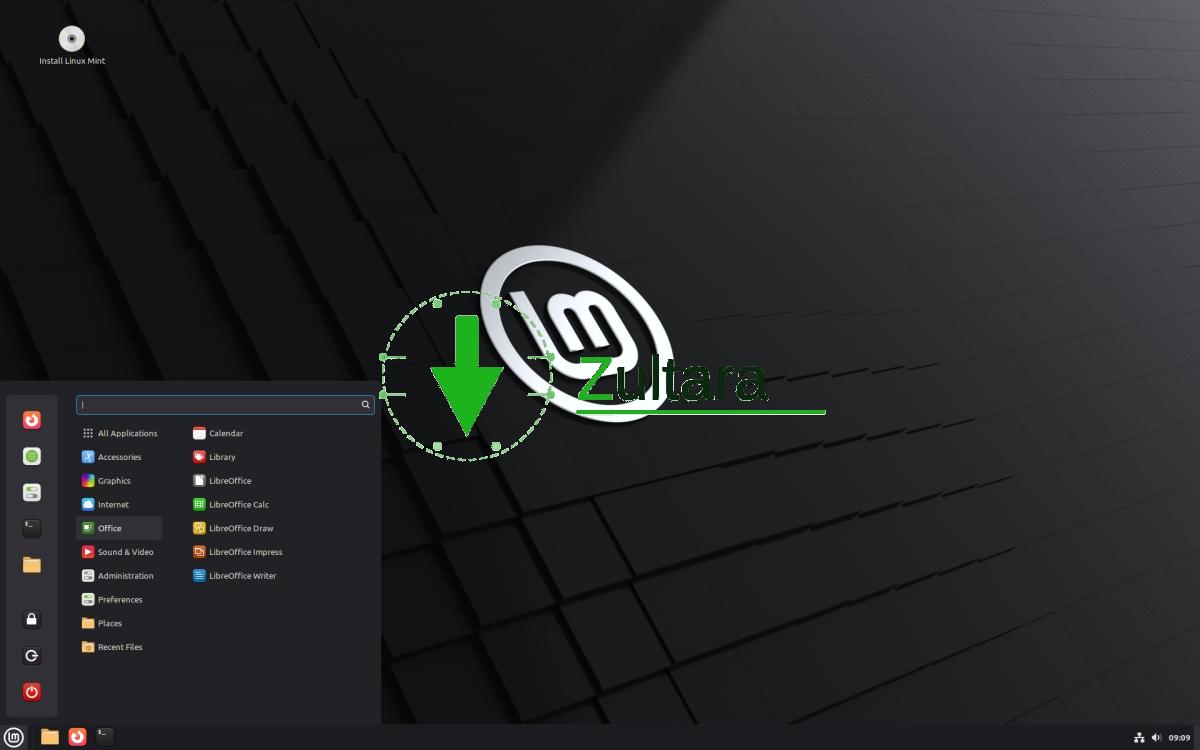
Linux Mint Debian version 7 has been released. The update is called Gigi.
The stable release came less than a month after the distro’s first beta release. LMDE 7 is based on Debian 13 Trixie. It comes with Linux 6.12 LTS kernel and Cinnamon desktop environment.
LMDE 7 includes features that were introduced in Linux Mint 22.2 Zara, such as support for fingerprint authentication, for login, and sudo commands. The update brings changes from libadwaita-1.7. Feel free to read my previous coverage to learn more about the features in Mint 22.2.
Linux Mint Debian Edition 7 also introduces support for OEM installs, meaning the distro can be pre-installed by manufacturers on brand-new computers.
(Image Courtesy: linux mint)
As a reminder, LMDE7 is a 64-bit OS only. It does not support 32-bit computers.
For a full list of changes please visit Debian 13 release notes.
LMDE 7 System Requirements:
- 2 GB RAM (4 GB recommended for comfortable use).
- 20GB disk space (100GB recommended).
- 1024×768 resolution (at lower resolutions, press ALT to drag with the mouse if the windows do not fit the screen).
Users on LMDE 6 can run the following commands in the terminal to upgrade to v7.
apt update
apt install mintupgrade
sudo mintupgrade
This should start the updater. or you can Download Linux Mint Debian Edition 7 From the official website.
There are some known issues in LMDE 7, which you can read about on the release notes page. This is a long term support release, an LTS. It is expected to follow the same schedule as Debian 13 LTS, which is supported until June 30, 2030.
Note: This is an FYI article. I have not tested LMDE7. But I use Linux Mint, so the experience is largely similar.
Linux Mint 22.3 is targeting a December 2025 release, and will include a new app menu, a Status applet, Wayland session improvements, and more ads.