
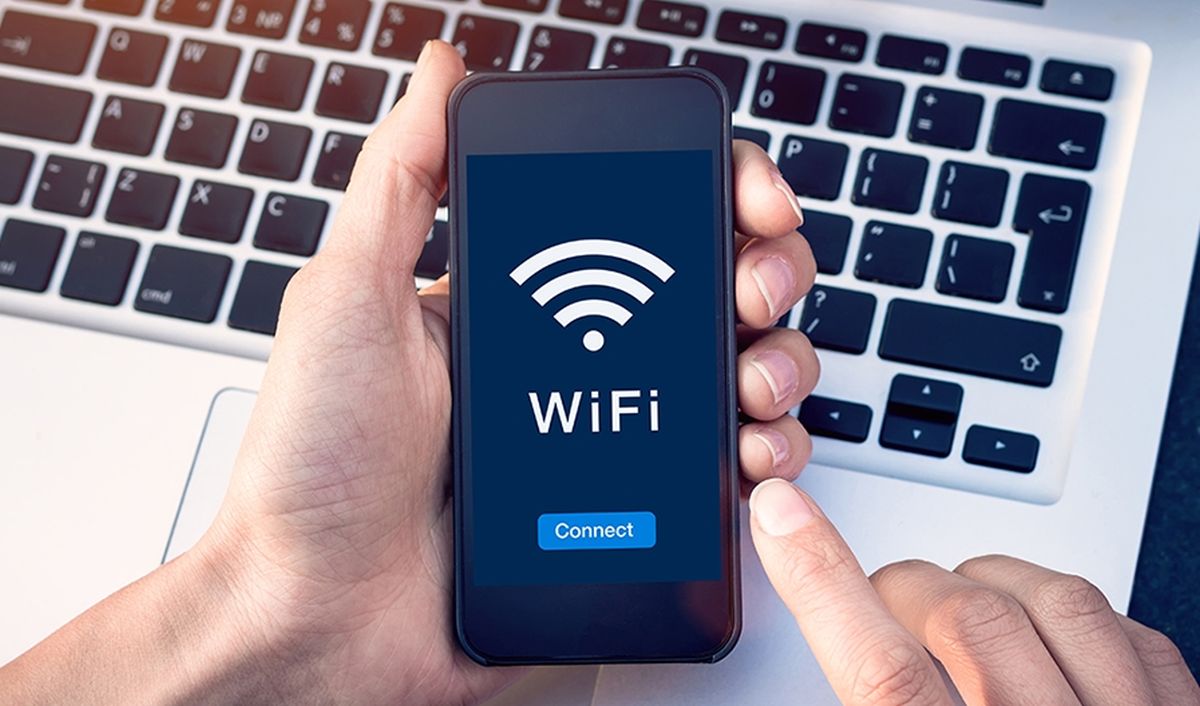
Public Wi-Fi networks are accessible and practical, but they also put users’ security at serious risk. Anyone who uses a public Wi-Fi network runs the risk of giving hackers and other cybercriminals access to their personal information, including passwords, credit card numbers, and browser history. Therefore, it is important to take basic security steps when using public Wi-Fi to keep both you and your device safe. If you want to know how to make public Wi-Fi more secure, keep our recommendations in mind!
How to make public Wi-Fi more secure in different ways
Many places offer free public Wi-Fi, including airports, libraries, hotels, cafes and restaurants. Simply connect to the wireless network and use free Internet access for business or pleasure. This may sound sweet, because most of them are free. However, there is a twist. You need to stay safe when using public Wi-Fi networks. Below you’ll find some tips on how to make public Wi-Fi more secure. VPNs seem to be the best option but consider others too!
VPN’s
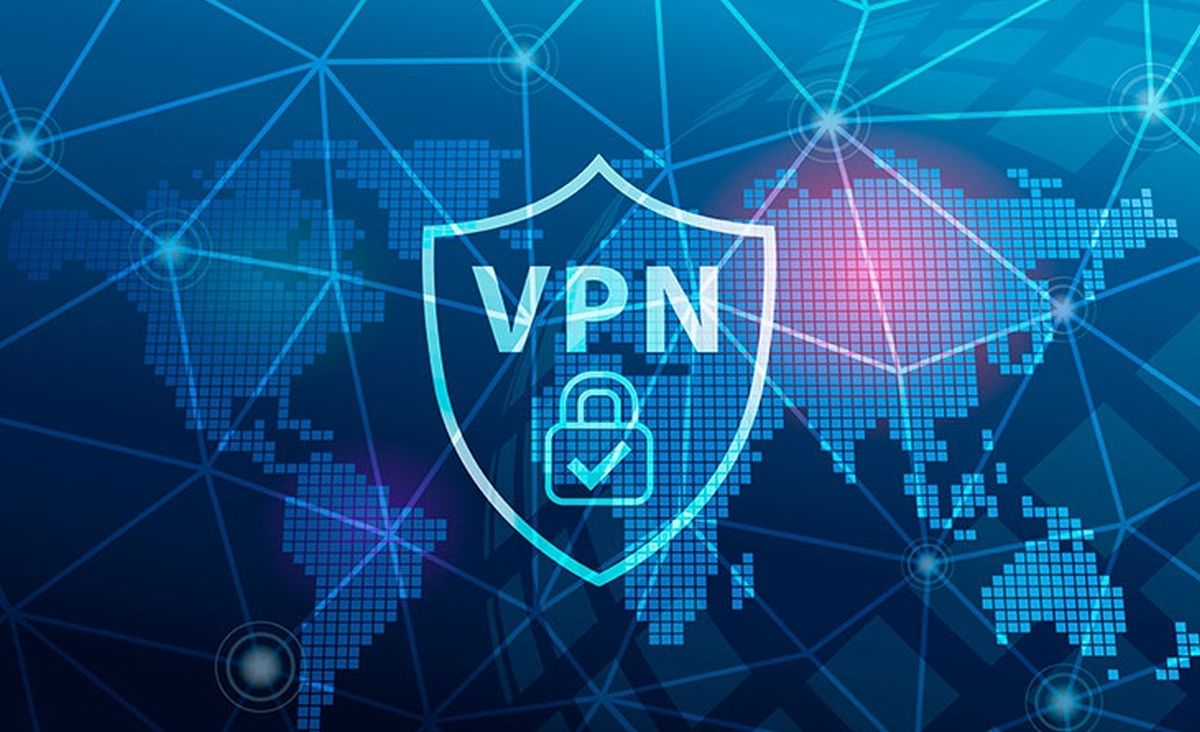
When you use a VPN service, your Internet traffic is encrypted and routed through a secure server in a different country. By doing this, you can prevent anyone on the same network from seeing your IP address or your online behavior. You can access websites and geo-restricted content with a VPN, even if they are restricted on public WiFi.
A VPN directs a device’s Internet connection through a private service rather than the user’s usual Internet service provider (ISP). A VPN acts as an intermediary between the user and the Internet when they are online by hiding the user’s IP address.
Through a private, encrypted tunnel, a user’s device can access the Internet while hiding its identity, location, and other data. All network traffic is connected securely through a VPN. As a result, the VPN is used instead of the user’s PC to transport any data transferred over the Internet.
There are many VPN companies to choose from, but make sure you use one that has a good reputation and doesn’t record or sell your data.
Popular VPN Providers
One of the most popular services available online, NordVPN offers stable performance while prioritizing your security and privacy. With NordVPN, there are over 5,600 lightning-fast servers spread across 60 different countries. Additionally, the company has a no-logs policy, so your data will not be stored on file. There are many services available at different subscription levels.
By taking advantage of their attractive 59% discount, which includes three months of additional service, you can benefit from nordvpn Better security features.
SurfsharkVPN provides a reliable connection and has over 3,000 servers spread across over 100 countries. The extension does not record any of your personal information, which is typical and quite important. It also offers a number of security features, including 256-bit encryption and protection against IPv6, DNS, and WebRTC security flaws. It can be used as an application on PCs running Windows, macOS, Android, iOS, and Linux.
With a remarkable 82% discount and an additional two months of service, surfsharkvpn Is offering attractive pricing for its famous VPN service.
ExpressVPN is also an option. Its services let you hide your online location. Without a doubt, Express is a well-known brand with very little downtime. It boasts a no-logs policy to protect your privacy and, like Nord, operates in 94 different countries with over 3,000 servers. It integrates with WebRTC blocking, to protect your IP and prevent websites from discovering your real location. It works with a variety of devices including consoles, routers, Android, iOS, Chrome OS, Windows, and Mac OS.
12 month plan offered by expressvpn It’s also quite attractive and guarantees uninterrupted VPN access for an additional three months at no extra cost.
software update
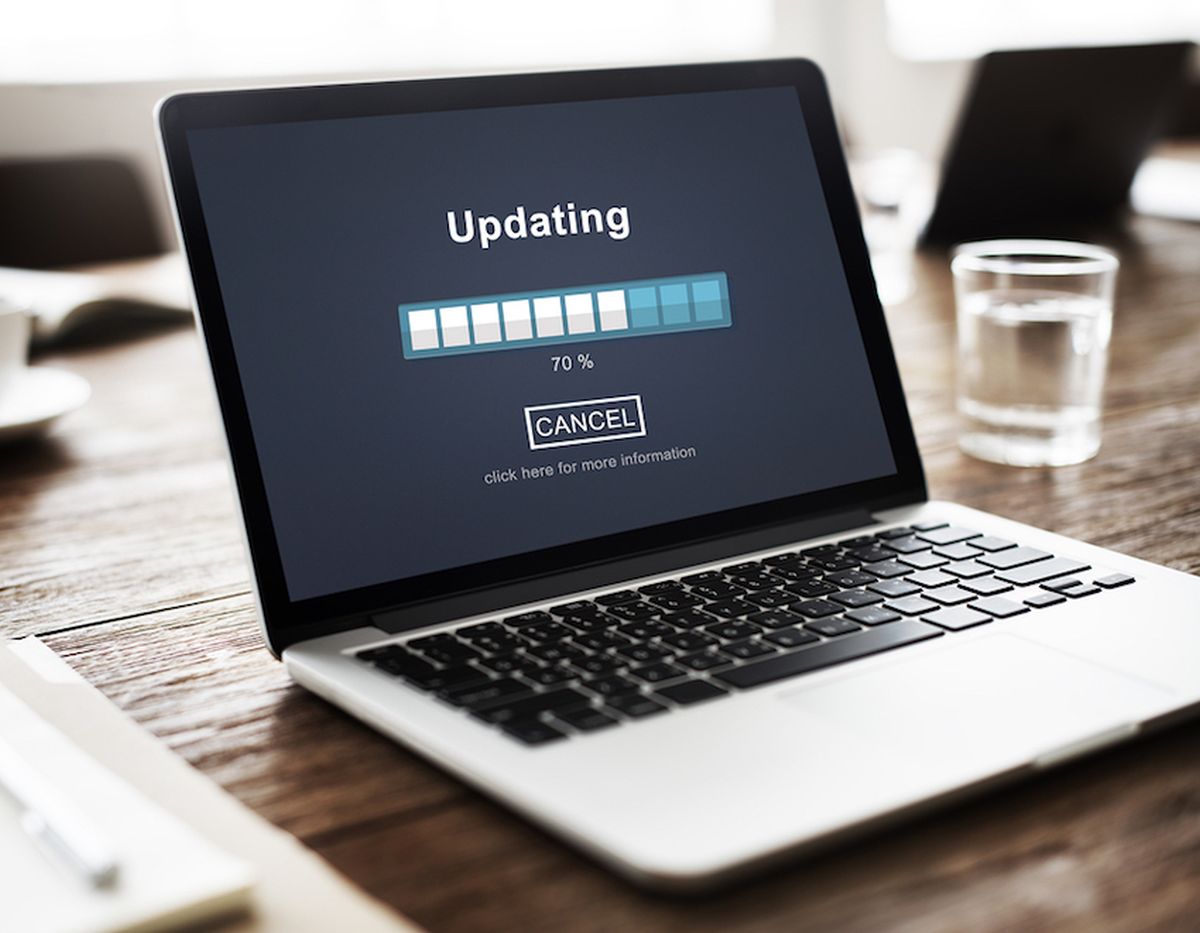
Maintaining the security of your device and avoiding malware attacks depends on keeping your software updated. Patches for security flaws are often included in software updates, which hackers can use to access your device or data. Make sure you update your software regularly, especially before connecting to public Wi-Fi.
Because they address bugs, patch vulnerabilities, and enhance performance, software updates are important. They also improve compatibility with other systems and programs and introduce new functionality. By updating your software, you can prevent criminals from using known security holes to access your personal data.
Avoid sensitive transactions
Even when using a VPN, it is advisable to avoid sensitive online activities like online banking, shopping or logging into accounts containing personal information. To complete these transactions, you must submit your login information or payment information, which can be intercepted by hackers if the network is infected. If these transactions are necessary, wait until you are connected to a private, secure network, such as your home or workplace Wi-Fi.
Disclaimer: Some links added to the article are part of affiliate campaigns and may represent profit for Ghacks.